POPULAR CHOICE
QuickBooks Online Integration
$319.00
- Magento 2.4.x Compatible
- PHP 8.1+ Supported
- Lifetime Free Updates
Lifetime Updates
30-Day Refund

$319.00

Synchronize your sales orders, sales invoices and variables including customer data, customer data, payment methods, tax rates, etc.

Never worry about unmatched data or duplicate data between two systems. Automatic synchronization keep your data in sync at all time.

Magenest offers a complete guide to setting up QuickBooks Online Integration so you can do it step by step on your own without worrying about technical barriers.
With Magenest extension, you can sync sales orders and invoices from your store to QuickBooks using the previously imported customer data, product data, payment method, shipping method, etc.
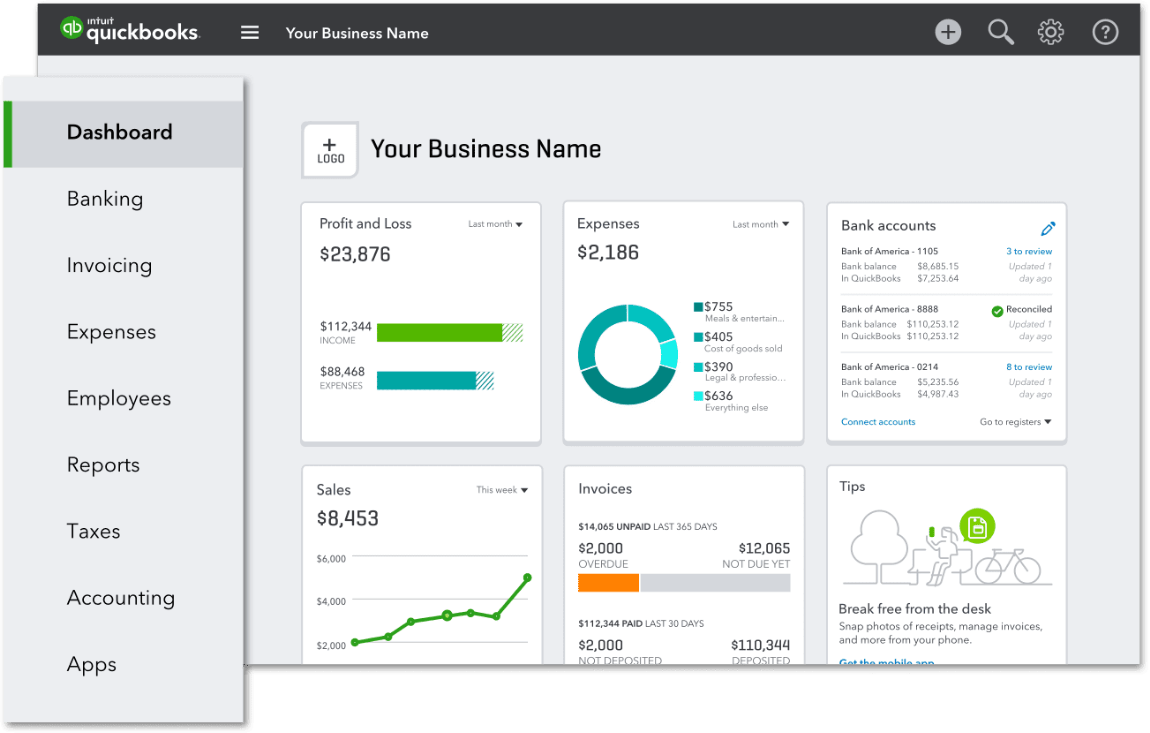
You can easily export credit memos from your store manually and automatically after setting up QuickBooks Desktop Integration
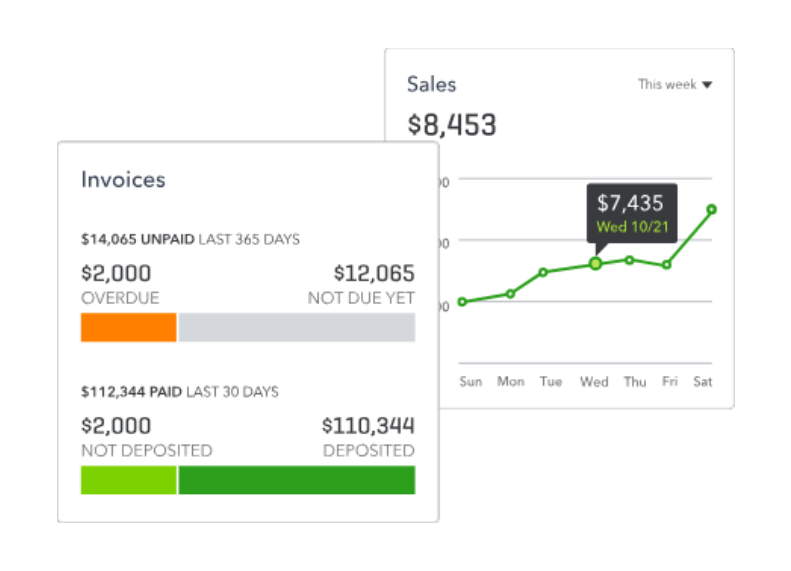
Different taxation policies affect your revenues and profit in different ways. So keeping track of your taxes and calculating tax accurately is important to manage your income. By syncing tax codes between Magento 2 and QuickBooks, you can ensure tax calculation accuracy.

Synchronize shipping address correspondingly for each customer helps you to complete one of the required fields to sync sales orders and invoices from Magento 2 to QuickBooks Desktop.

With Magento 2 QuickBooks Online Integration Plugin, you can easily specify the payment methods with each invoice from Magento 2. Our extension supports 20+ payment methods, including ACH/Direct Debit, credit card to payment gateways.

QuickBooks Online will be automatically updated when merchants create a new product in Magento 2, while existing products can be manually added to the sync queue to QuickBooks. Product Stock (Quantity) synchronization is available for QBO Plus Version.

When customers create a new account in Magento 2, the database in QuickBooks Online will be updated accordingly. Merchants can also manually sync old customer data.

You only need to spend time setting up the first time you connect QuickBooks Online to Magento 2, future synchronization can be automated. Plus, you only have to pay once to fullly use this extension.

Free lifetime
software updates

Verified by
Magento Marketplace

One-time payment
without hidden cost

Magento 2 Extensions

Magento 2 Extensions

Magento 2 Extensions

Magento 2 Extensions
Copyright 2025 © magenest
Technical Support Hotline: 0999888777




Reviews
There are no reviews yet.