POPULAR CHOICE
Paya Payment Gateway
$199.00
- Magento 2.4.x Compatible
- PHP 8.1+ Supported
- Lifetime Free Updates
Lifetime Updates
30-Day Refund

$199.00

Paya now serves more than 1 million customers in the US and more than 72.000 businesses provide it as the main payment method on their eCommerce website. You can join this huge community to acquire more customers, especially in the US.

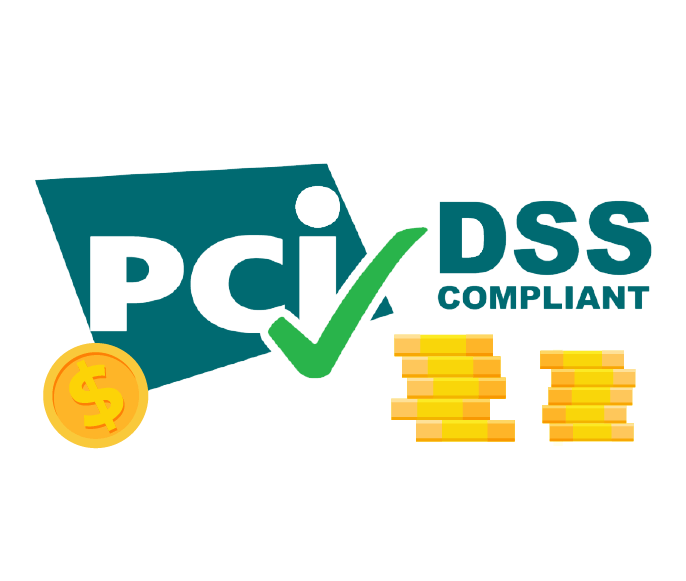
As security is always the top priority for online shoppers, Paya integration will provide you a safe environment to protect your websites and customer card information. The extension meet the highest standards of PCI DSS Compliance (level 1).
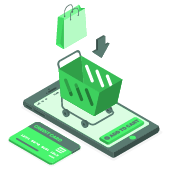
More than 50% of customers drop their shopping cart due to complicated checkout. With Paya form right on your website, customers will not be redirected to another page to complete the order. This will certainly reduce the number of abandoned carts.
It’s important for any online business to comply with the PCI security standard. Using Paya Connect Payment that meets the PCI DSS level 1, your Magento 2 can maintain a secure environment for activities like accepting, processing or transmitting credit card information.
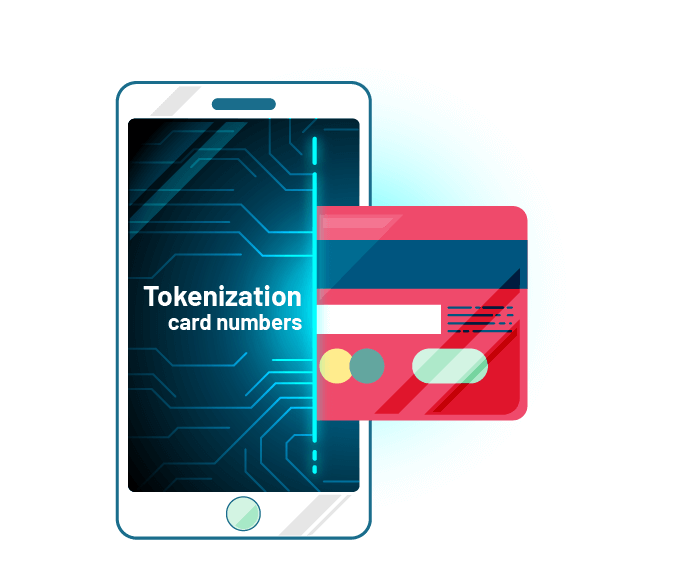
Tokenization is a technology solution that intercepts credit card numbers entered into the Magento server. The credit card numbers of customers will be replaced with a surrogate value or tokens. After that, customers can freely save their cards on your sites for the next purchases without the fear of losing personal information.
There are two ways to accept online transactions, depending on your business need:
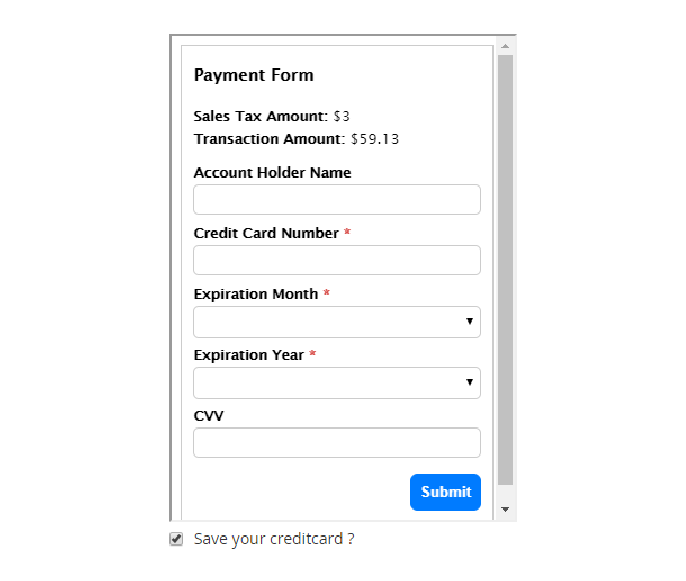
Customers can enjoy a smooth checkout experience with Paya form shown in the Magento 2 checkout page. The form provides an overview of the online payment like sales tax amount and transaction amount. The number of data fields is also minimized with only 3 required data box (credit card number, expiration month & year).
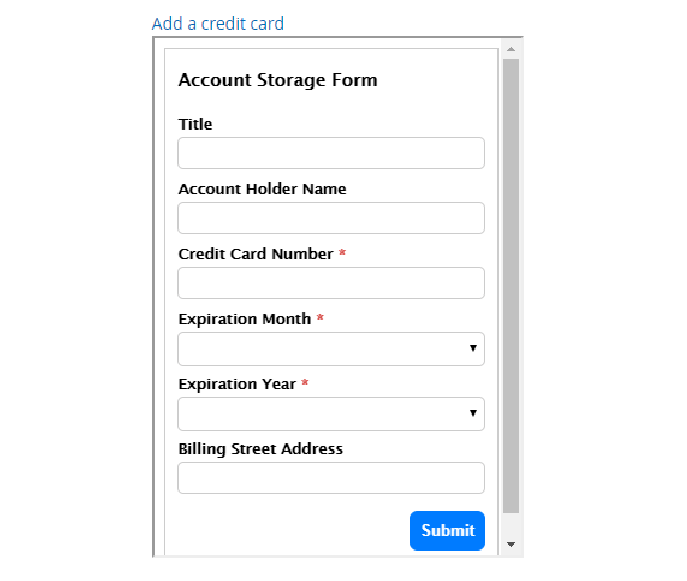
Customers can manage all their credit cards on My Account Dashboard. When a card is deleted in Magento 2, the associated account vault Paya is also removed. The list of saved cards will help customers fill in necessary information automatically to boost up their checkout process, which literally brings high satisfaction for users and increase retention.
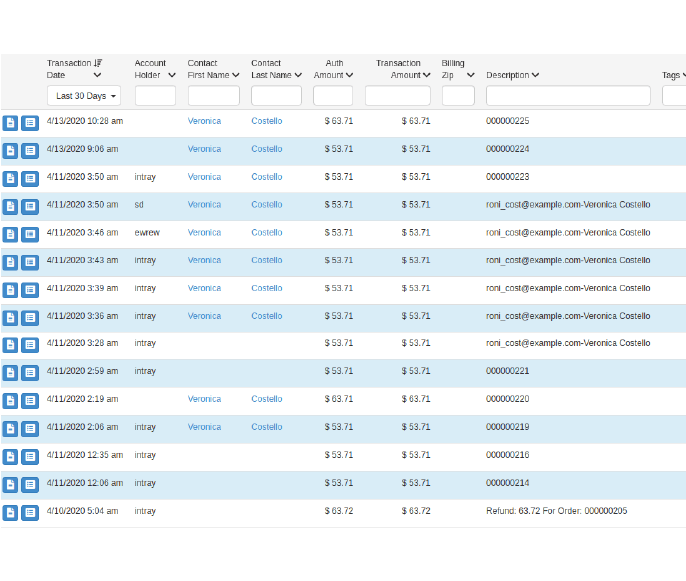
The admin can view all the Paya transactions including transaction ID, status, order ID, customer ID.
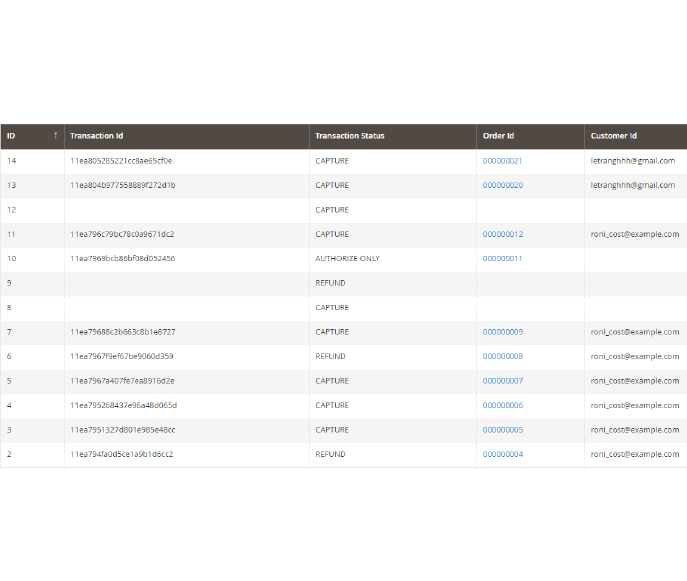
This is the unique feature of Paya Connect compared to PayPal All-in-One Payments solution and Paya Payments js. Now the admin can easily keep track of each transaction in detail.
Note: Refunding an order in Magento 2 will create a new transaction in the Paya dashboard with the “Type Tittle” is Refund.

You can name Paya payment options to make it more familiar to customers.

There are two options: Processing and Suspected Fraud (for fraud detection)

Enter a number to set the order of the Paya form on the checkout page.

Set the minimum and maximum value of an order that can be paid via Paya

Free lifetime
software updates

Verified by
Magento Marketplace

One-time payment
without hidden cost

Magento 2 Extensions

Magento 2 Extensions

Magento 2 Extensions

Magento 2 Extensions
Copyright 2025 © magenest
Technical Support Hotline: 0999888777




Reviews
There are no reviews yet.