
POPULAR CHOICE
Facebook Chatbot
$139.00
- Magento 2.4.x Compatible
- PHP 8.1+ Supported
- Lifetime Free Updates
Lifetime Updates
30-Day Refund
$139.00

Because Facebook Chatbot will answer customer questions automatically, you don’t need to hire too many staff to handle queries. You can save your resources for other important tasks.

You can design the message flow to stimulate customers to place orders during the conversation with Facebook Chatbot. Only a one-time setup can boost up your sales significantly

Facebook Messenger is an efficient way to announce your promotion programs. This method is much more cost-effective compared to other traditional ways such as emails or SMS, and also, engage more customers.
Connecting the Magento 2 website to Facebook Messenger just requires a few clicks. Now you can create unlimited conversation scenarios for FAQs, promotion campaigns, store policy, etc. This will free the support team from repeating boring answers for the same customer questions day by day.
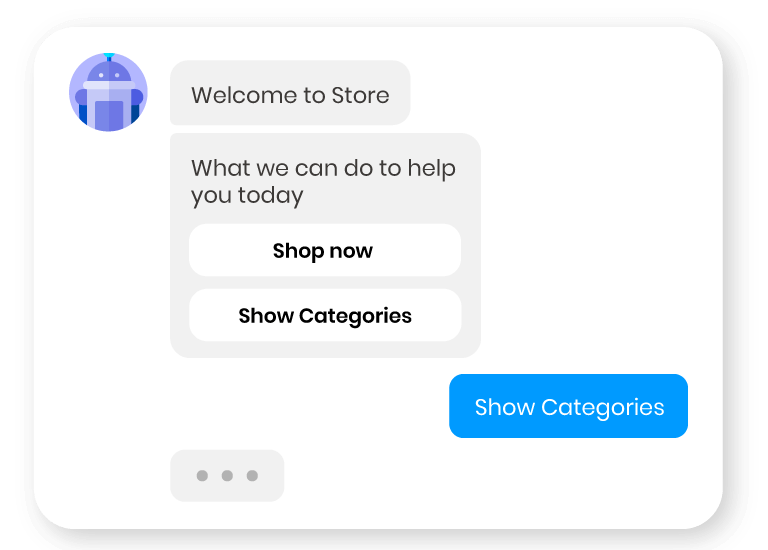
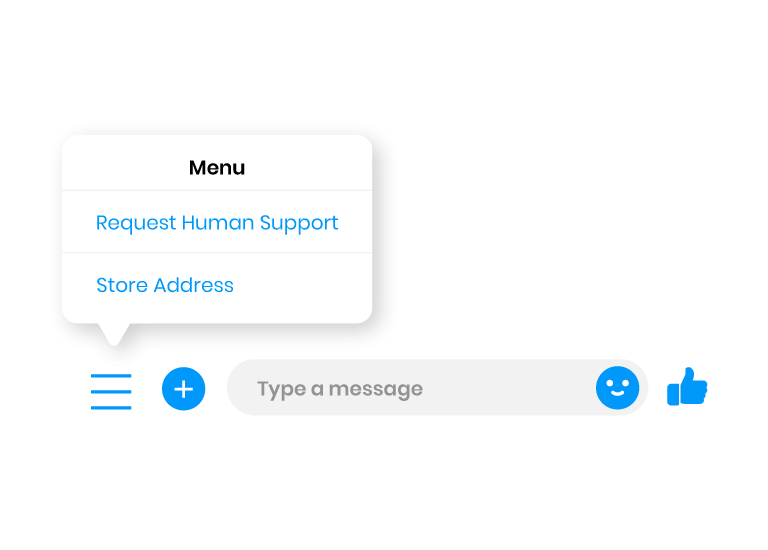
The supreme advantage of a chatbot is fast reply speed. However, when the conversions go beyond pre-designed scenarios that the chatbot does not know how to reply, customers can ask for human support immediately. The request will be automatically sent via the contact email set in the backend. A shortcut link is included that the supporter just needs to click to come back to on-hold dialogues.

The admin can create the greeting message that customers will see when they open Messenger chat for the first time. Make sure your words are nice to engage customers to start talking with you! Facebook Chatbot for Magento 2 allows store owners to build a Persistent Menu that contains frequently used actions by customers. Request Human Support is the only default tab in this menu.
Admin can choose from 6 message types:
To connect individual messages with each other, you can use 4 types of buttons:
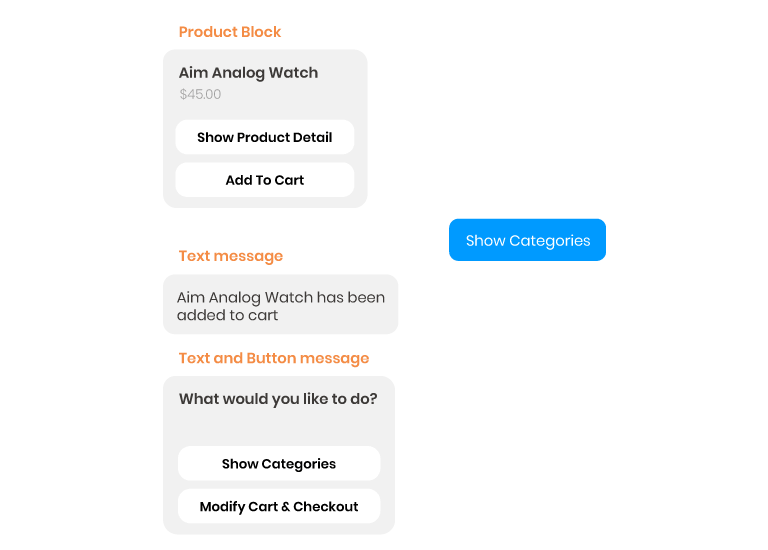
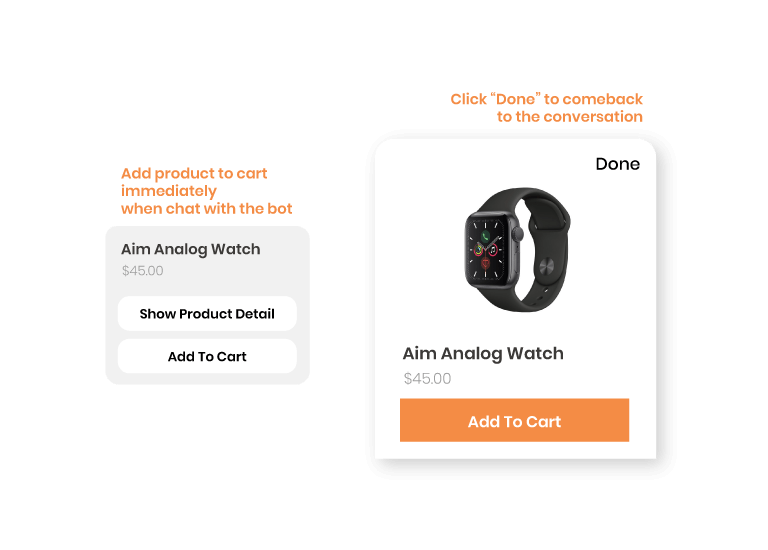
The extension can show products and categories information upon customer requests including product image, product name, price & rating so that the buying journey can start right inside the Messenger chatbox. Only simple and configurable products are supported. Customers can select various options of the product (size, color, etc.) before adding it to the shopping cart.

Free lifetime
software updates

Verified by
Magento Marketplace

One-time payment
without hidden cost

Magento 2 Extensions

Magento 2 Extensions

Magento 2 Extensions

Magento 2 Extensions
Copyright 2025 © magenest
Technical Support Hotline: 0999888777



Reviews
There are no reviews yet.