Promote your products and boost sales with Google Shopping for Magento 2
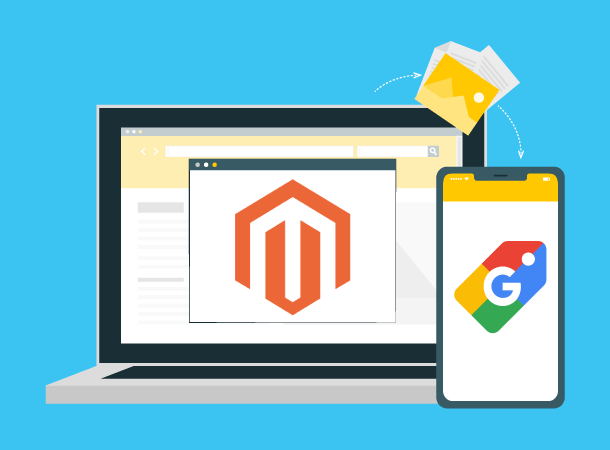
Synchronize product data from Magento 2 to Google Shopping with just simple steps!
How does Google Shopping Magento 2 extension work?
- Step 1: Connect your website with a Google Merchant Center account.
- Step 2: Create product templates by mapping Magento product fields and categories to Google product fields and categories.
- Step 3: Create new product feeds. Each feed will be assigned with a product template and a store view.
You can set the condition to choose products you want to show on Google Shopping. - Step 4: Sync product feeds data to your Google Merchant Center account.
Two syncing modes are available: Sync manually and Schedule to sync.
Create multiple product feeds with ease
- Assign a product template and a store view
- Add UTM parameters to keep track of campaign performance
We understand that you may apply different strategies for different markets. So you are allowed to create as many product feeds
as you want to fit local markets! Advanced condition to select the exact products:
Manage the data synchronization process seamlessly
- Define the target country and the content language
- Choose to sync manually or schedule a time to synchronize
- Edit, duplicate, and delete product feeds easily
- Receive Google diagnosis for each product, so you can edit product data accordingly
Everything about the data synchronization is under your control. You can optimize your product feeds
and make your Shopping Ads get more clicks by:

Free lifetime
software updates
Verified by
Magento Marketplace
One-time payment
without hidden cost


Reviews
There are no reviews yet.