
POPULAR CHOICE
Shop by Brand
$129.00
- Magento 2.4.x Compatible
- PHP 8.1+ Supported
- Lifetime Free Updates
Lifetime Updates
30-Day Refund
$129.00

The more brands you have on your store, the more for customer to choose from. Most multi-brand retailers often neglect branding for their products, which is a great sales motivator.

The brand pages will be your most effective sales representives, tailor them for your customers’ taste and watch your sales climb.

Track the revenue by brands helps merchants to keep track of the brands that are bringing the most sales and those which are not performing equivalently.
With each brand, you can use Shop by Brand on our Magento extensions to create a separate landing page. Beautify your CMS blocks with various attributes
so that customers can feel familiar like they are on their favorite brand sites.
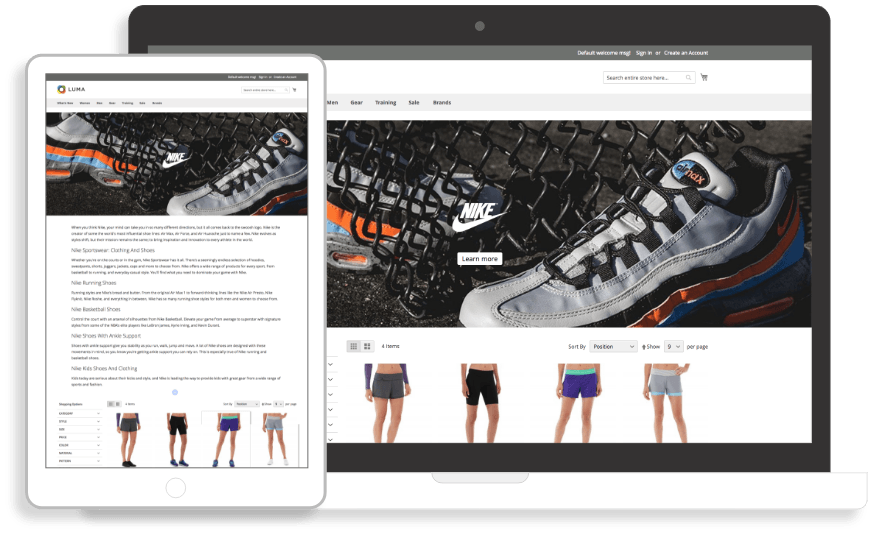
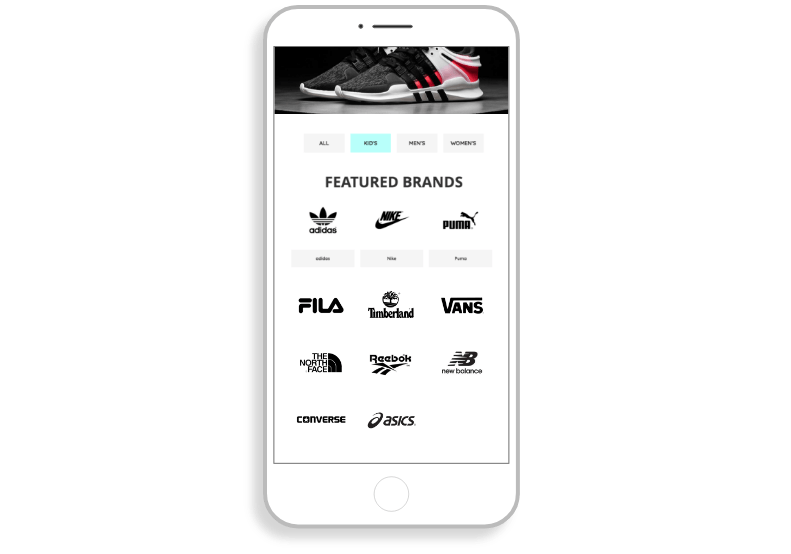
How the brands are displayed in your store will affect the way your customers react. Magento 2 Shop by Brand offers merchants various ways
to make brand appearance more eye-catching to visitors.
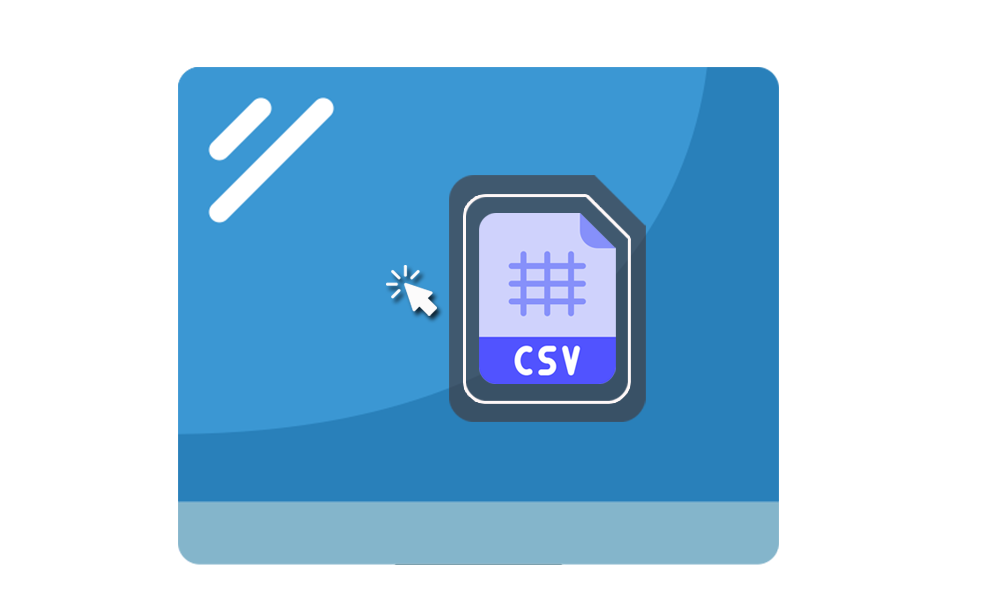
You don’t need to create every brand page by hand, with Magento 2 Shop by Brand, all these data can be automatically imported to your back end.
Also, vendors can export brand data to manage their products easily. Both exported and imported data will include:
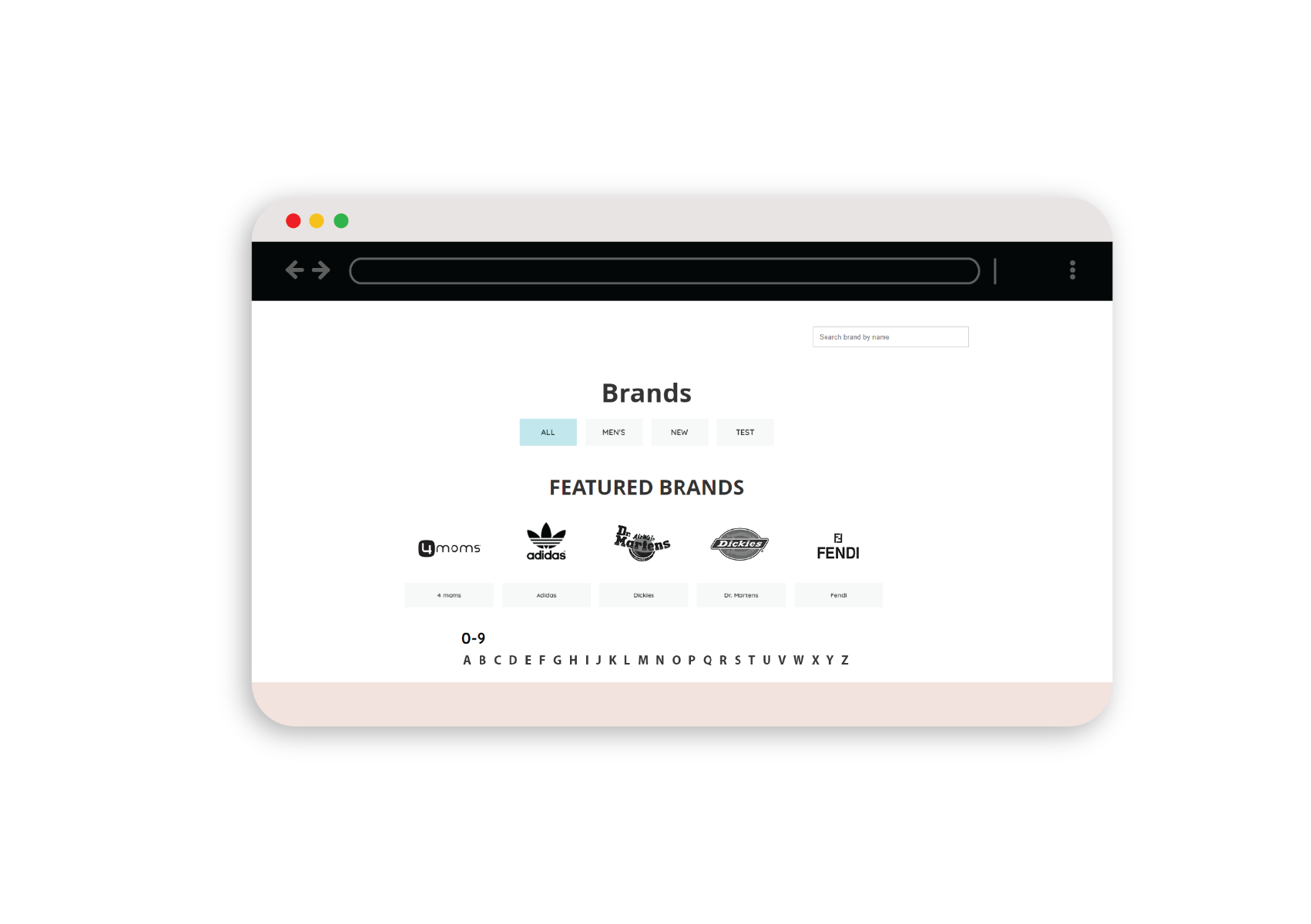
All the brands can be gathered in different groups. Magento 2 Shop By Brand extension allows merchants to offer another layer of navigation
for customers to find their products with convenience.
Furthermore, customers can find their favorite brands quickly by some filter choices:
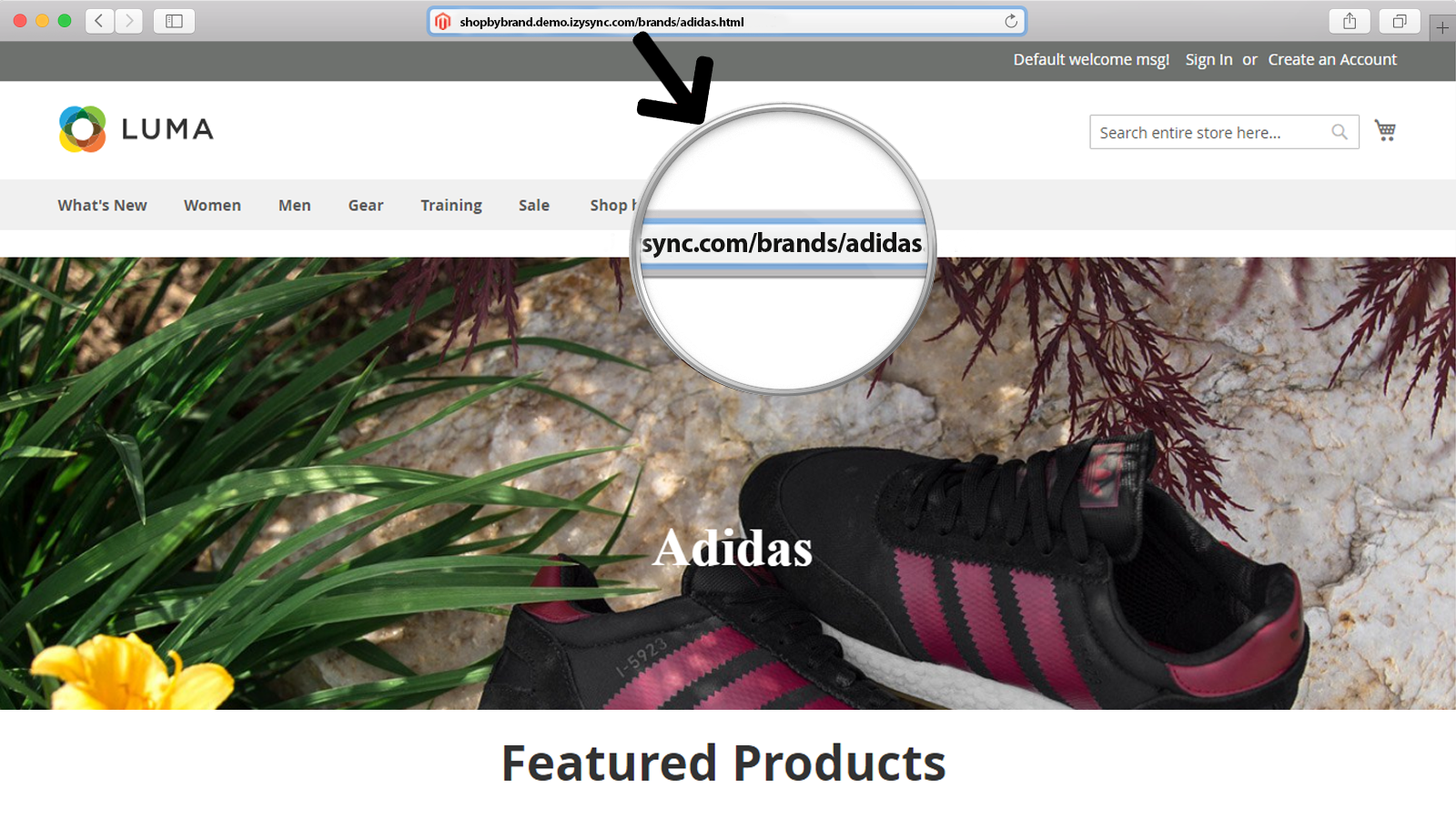
To enhance your ranking on the search engine result page, you can edit some elements of brand pages:
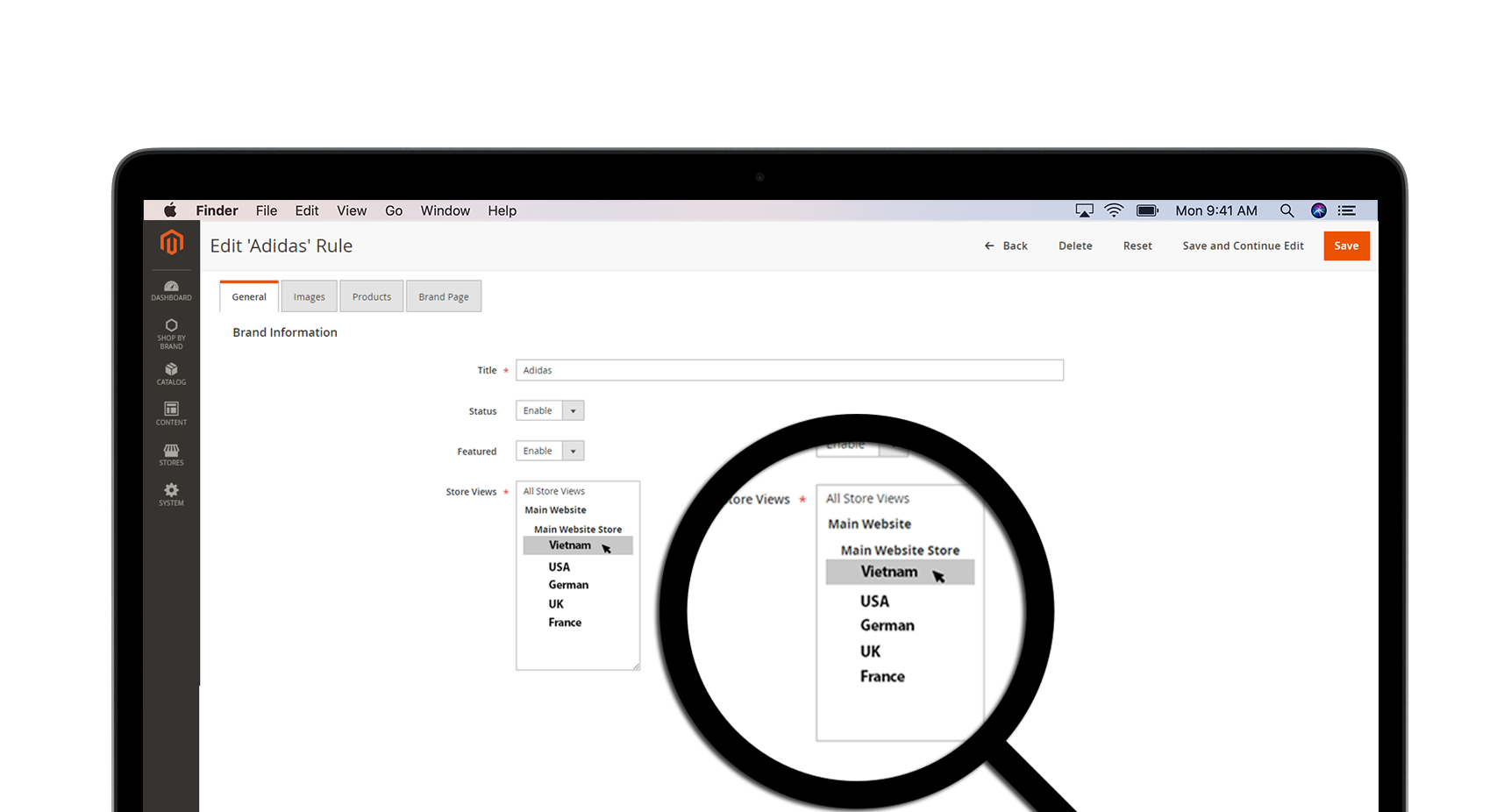
As you have many stores or have special products for different areas or some of your branches offer local brands, setting the brand
to certain stores is very necessary. In the backend, you can set the Store Views whether it appears on the main website or other online stores.
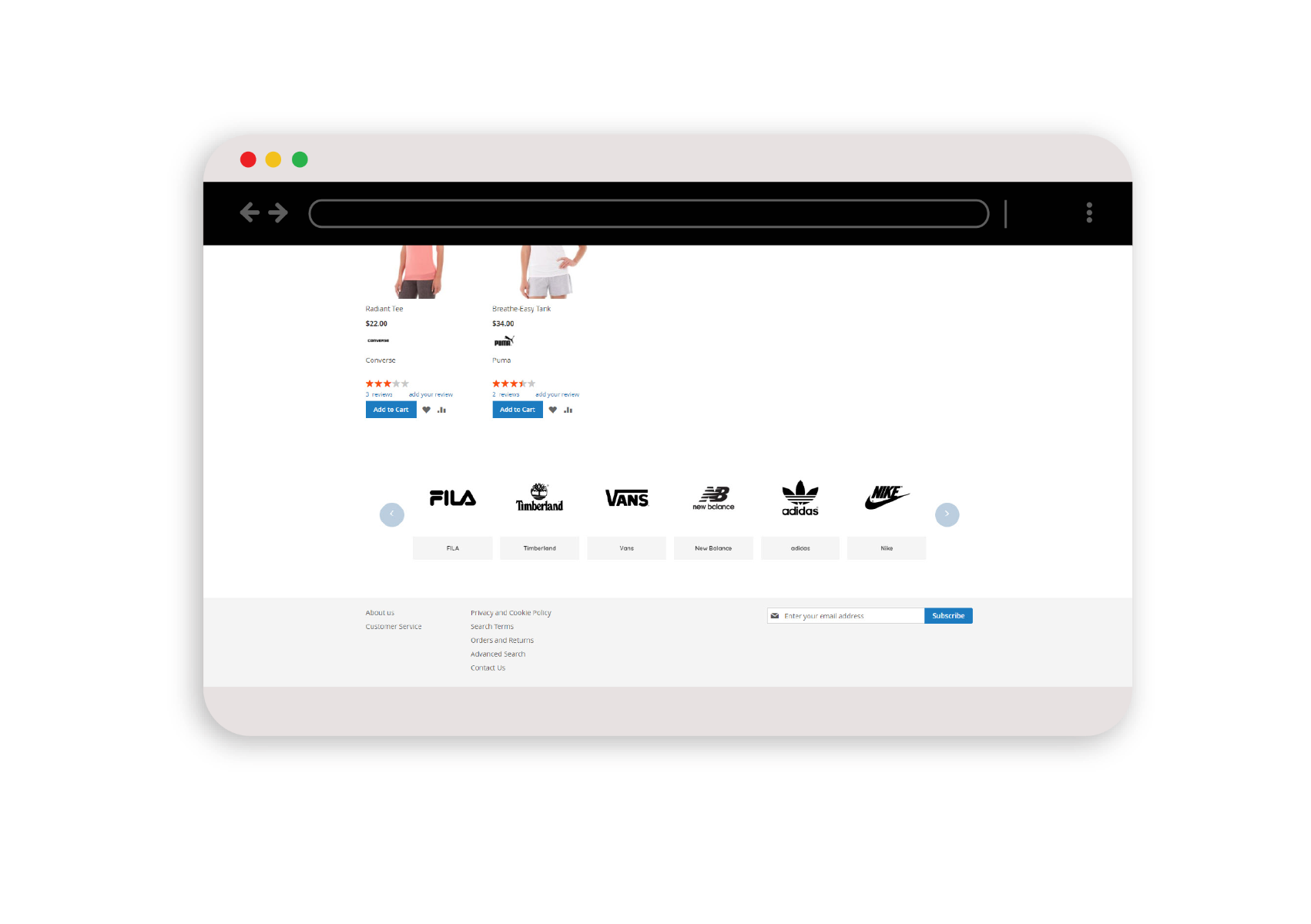
Magento 2 Shop by Brand allows you to display a slider of brands below the footer of the product page:

Create brand categories and show them on the sidebar

You can turn on/off brand’s icon in the backend page

Admin can display the brand’s name and logo under every product

Admin can display the brand’s name and logo under every product

You can navigate customers to every product page

It is easy to attach new available products and brands into your sites

Free lifetime
software updates

Verified by
Magento Marketplace

One-time payment
without hidden cost

Magento 2 Extensions

Magento 2 Extensions

Magento 2 Extensions
Magento 2 Extensions
Copyright 2025 © magenest
Technical Support Hotline: 0999888777



Reviews
There are no reviews yet.